
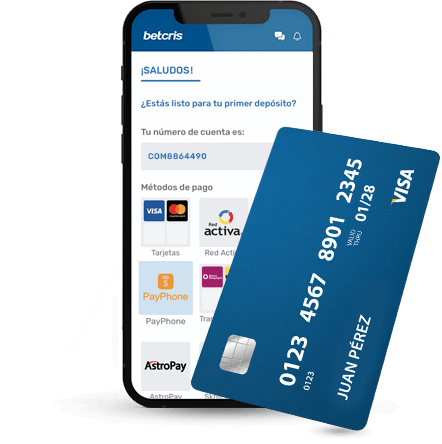
Documented payment routes by country
Official local help is more useful than a global list of bank logos. Honduras documentation names bank transfer, Tigo Money and Tigo Money Wallet. Ecuador documentation names bank transfer through Pago Seguro, cash, Facilito, Red Activa, PayPhone and AstroPay. Guatemala documentation names online banking, bank transfer, RapiXChange agencies and Fri. These are documented routes, subject to actual account availability.
Peru has official Pago Efectivo and Red Digital instructions. Chile has country-specific bank transfer help with a RUT request for the first transaction. Nicaragua has official agencies and a promotion that mentions agency or Cashier deposits. For Venezuela, the research does not confirm local payment routes; do not assume Pago Móvil or bolívar balances.
| Country | Documented or locally displayed methods |
|---|---|
| Dominican Republic | Cards, bank transfers and cash |
| Honduras | Bank transfer, Tigo Money, Tigo Money Wallet |
| Panama | Visa, Mastercard, Punto Pago, agency cash, bank transfer, Red Nacional de Recargas |
| Ecuador | Pago Seguro transfer, cash, Facilito, Red Activa, PayPhone, AstroPay |
| Guatemala | Online banking, bank transfer, RapiXChange, Fri |
| Mexico | OxxoPay, SPEI, Visa, Mastercard, Apple Pay and PayPal displayed |
| Nicaragua | Agency deposits and online Cashier documented |
| Peru | Pago Efectivo and Red Digital |
| Chile | Local bank transfer documentation |
| Venezuela | No confirmed local payment list |
Choose your next step with Betcris
Select your goal to find the relevant instructions.
Register with your own details, confirm your contact and prepare identity verification.
See the full steps →Open the Cashier, choose the transaction and check method, amount and account ownership.
See the full steps →Open the lobby, search by name or provider and read the rules before starting.
See the full steps →Open the offer in your account and check its code, deposit, expiry and wagering base.
See the full steps →
Compare Visa, Mastercard, transfers and cash
Choose a method by how you will pay in and receive funds, rather than by its logo alone. Cards use the Cashier form, transfers use banking instructions for the transaction, and cash or wallets follow a local reference or payment route. Check limits and fees in the selected option.
Visa and Mastercard are separate networks. The documented card-withdrawal option is Visa Direct and uses Visa cards; it should not be treated as a withdrawal route for every Mastercard. If your deposit channel cannot receive withdrawals, check the enabled alternatives in your name.
| Method | Deposit | Withdrawal | Record to retain |
|---|---|---|---|
| Visa credit or debit | Select an enabled card in the Cashier | Visa Direct where enabled | Confirmation and transaction reference |
| Mastercard credit or debit | Use the option available to your account | Check the available withdrawal channel | Receipt and partially masked card identification |
| Bank transfer | Use Cashier beneficiary, account and reference | Transfer to your enabled bank account | Bank reference and payment receipt |
| Wallet or local payment | Choose your country’s provider | Depends on provider and account | Wallet identifier or payment code |
| Cash or agency | Follow the agency or payment-code route | Agencies where the local option exists | Receipt, amount and payment location |
Deposit with Visa or Mastercard
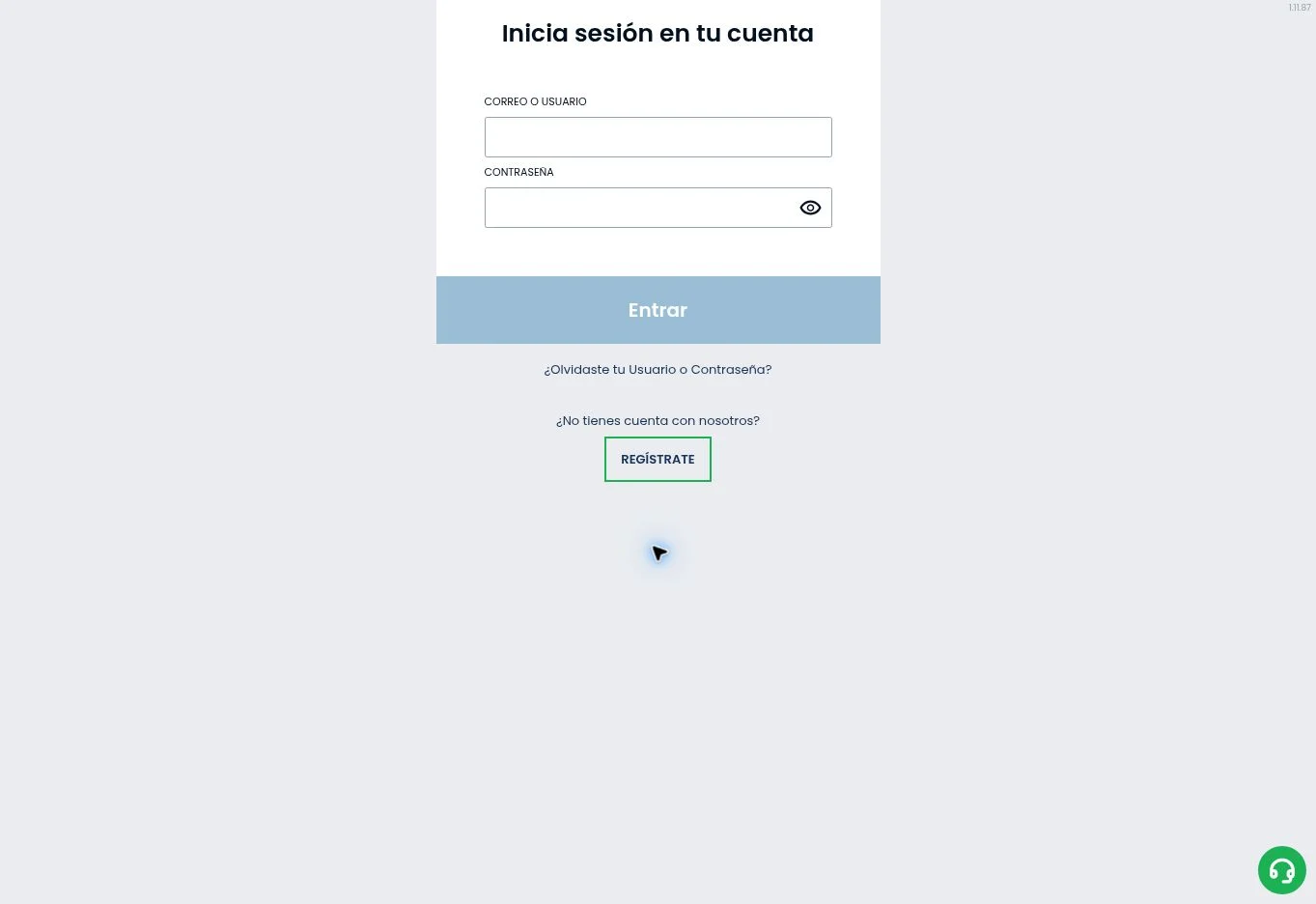
Open Cashier → Deposit → Card and choose an amount. Enter your details in the operator’s secure form and complete bank authentication when requested. Use a card in your name that matches your account’s operation. Keep the confirmation and check history before repeating a pending payment.
- Check currency, final amount and card limit.
- Match the cardholder name to your Betcris account.
- For a declined charge, check bank approval and online purchase limits.
Bank transfer: deposit and withdrawal steps
To deposit, open local bank transfer in the Cashier and use the bank, account and reference shown for that request. If the flow includes Report, upload the receipt after paying.
To withdraw, open Withdraw → Local Banks or Bank Transfer. Register your bank account on first use, check ownership and banking details, enter the amount and confirm. Track the request in history and check its approval notification; final crediting depends on the receiving bank.
Visa Direct withdrawals and payment verification
When Visa Direct is enabled, open Withdraw → Withdraw to Card, choose your Visa and confirm the amount. Complete the security code sent to your registered contact and retain the transaction reference.
If a statement is requested to review a payment, it should identify the holder, bank, date and transaction. Follow the masking instructions and submit it through the secure channel specified for your case.
From Cashier to bank: track each stage
A withdrawal request can pass through account review, operator approval and payment-provider processing. Bank or wallet processing starts at a different stage from internal review. Keep the transaction reference, amount, method and request date so support can locate the operation quickly.
- Use payment methods in your name.
- Check limits and fees before confirming.
- Check a pending transaction before submitting it again.
| Stage | Where to check | Useful support detail |
|---|---|---|
| Request submitted | Cashier history | Reference and date |
| Account verification | Account notifications | Requested document, if any |
| Withdrawal approved | Transaction status | Approval date |
| External processing | Bank or wallet | Transfer reference |
| Funds received | Recipient statement | Amount and currency |
Follow the Cashier instructions for each deposit
Select the method and amount inside your account. Read the instructions that follow before leaving for a bank, wallet or cash location. Some methods use a generated reference or payment code; another account’s code or an old screenshot may not identify your transaction correctly. Check any expiry and send the exact currency and amount requested.
Keep the receipt and transaction reference until the Cashier confirms the final status. If a payment is delayed, inspect the existing request before starting another. The processor, account checks and payment route can influence timing. We do not promise that every deposit arrives instantly or that every country supports the same limits.
Account ownership and identity matching
Betcris help says third-party deposits are not accepted. Use a bank account, wallet or card held in your own name and keep personal information consistent. A family member’s convenient payment instrument can create an ownership problem even if they authorise its use. Ask support if the name format or payment route is unclear before funding.
Country-specific identifiers may also matter. The Chile transfer document requests a RUT for a first transaction, while Peru’s documented routes use a payment code or account username according to the selected method. These examples show why general deposit instructions cannot replace the local workflow.
Deposit support does not imply withdrawal support
A cash collection network or payment code can be a deposit route without offering the same withdrawal process. Open the withdrawal area separately and inspect the methods available to your verified account. Read any rules about payment ownership, promotional balances and required checks before requesting funds.
Neither a marketing phrase about speed nor a review anecdote establishes a guaranteed withdrawal time. Record the request date, method and transaction reference. If the status remains unclear, ask account support for the particular reason and next step. Do not describe a pending request as rejected until the platform gives that status.
Compare limits, currency and charges together
A deposit minimum in an offer can differ from the Cashier’s method minimum. The Nicaragua campaign’s C$1,000 threshold illustrates this distinction. Check the transaction-specific limit and bonus threshold separately. Likewise, a payment intermediary may apply fees or currency conversion even when the casino interface shows a different charge arrangement.
The cash amount you hand over, the amount received by the processor and the credited account amount may differ when fees apply. Keep the relevant receipt and verify the final balance. We do not assign unsupported universal fees, maximums or exchange rates to country methods.
Resolve payment issues with precise records
Provide support with the method, time, amount, currency and reference for the affected transaction. Send evidence through the secure channel belonging to the account platform. Do not share full card details, passwords or payment codes publicly. A clear transaction trail is more useful than a general complaint that a payment is slow.
Read the registration guide for identity consistency and the bonus guide before selecting an offer. For Brazil and Poland, international restrictions apply; payment instructions are not a way to create eligibility. The country directory identifies the right local context.
Frequently asked questions
Can I deposit with Visa and Mastercard?
Select Cards under Deposit and use the Visa or Mastercard enabled for your account. Check the amount, complete bank authorisation and retain the receipt.
How do I withdraw by bank transfer?
Open Withdraw and choose Local Banks or Bank Transfer. Register your own account, confirm its details, enter the amount and follow the status in history.
How do Visa card withdrawals work?
Choose Visa Direct or Withdraw to Card when offered in the Cashier. Select your Visa, check the amount and complete the code sent to your registered contact. This documented route applies to Visa.
What should I do if a deposit does not appear?
Check the bank charge and Cashier history. For a transfer, check its reference and reporting step. Retain the receipt and transaction ID and ask for tracking before paying again.
Which documents should I prepare for verification?
Prepare a valid identity document and, when requested, proof of address or payment ownership. Upload clear images through your account’s secure channel, using details that match your registration.
How do I activate a Betcris bonus?
Open Bonuses or Promotions, select the offer in your account and check its value, deposit requirement, expiry and wagering rules. Activate it or enter its code before the step specified in the promotion terms.