
Check the website before resetting a password
Confirm the domain against your original account records. A familiar brand name can appear on multiple local platforms without establishing shared credentials. If your account was created on a local Mexican site, a global login attempt does not prove that its password is wrong. The country guide helps explain these platform differences.
Type the known address directly or use a saved trusted bookmark. Avoid sponsored search results whose destination you have not checked, shortened links and messages claiming that urgent verification is required. A secure connection protects transport but does not itself prove that a lookalike domain is the correct operator.
Choose your next step with Betcris
Select your goal to find the relevant instructions.
Register with your own details, confirm your contact and prepare identity verification.
See the full steps →Open the Cashier, choose the transaction and check method, amount and account ownership.
See the full steps →Open the lobby, search by name or provider and read the rules before starting.
See the full steps →Open the offer in your account and check its code, deposit, expiry and wagering base.
See the full steps →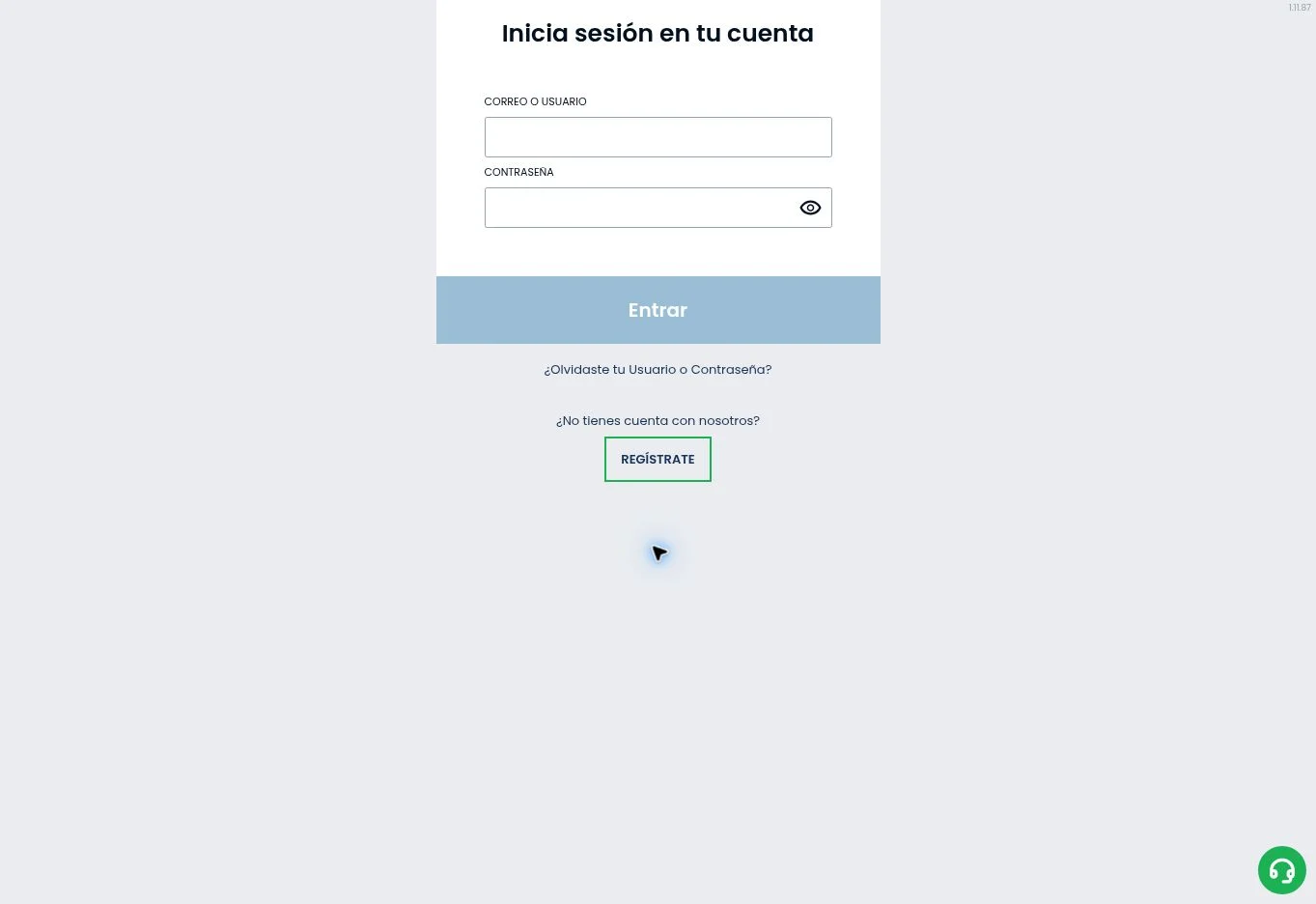
Read the error and inspect the entered credentials
Check keyboard layout, accidental spaces and whether your password manager selected the correct account. Use the identifier expected by the actual form. We do not claim every local platform asks for the same username, email or account number. If the form names a specific field, follow that label.
Record the error message without exposing your password. Repeated guessing can make troubleshooting harder or trigger account protections. A message about verification or account status requires a different response from a simple incorrect-password message. Identify the problem before applying a generic fix.
Use the platform’s account recovery process
The homepage includes a password recovery route. Open the equivalent option on your own account platform, provide the requested identifier and check the registered inbox, including its spam folder. Use only the recovery message corresponding to your request. If several messages arrive, verify which is current rather than repeatedly generating more.
If you no longer control the registered email or telephone, contact platform support. Explain the access issue and follow its identity procedure through a secure channel. Do not publish identity documents in comments or send credentials to social media accounts claiming to be support.
- Confirm the account domain and platform.
- Read the login error before retrying.
- Use the local password recovery option.
- Check the registered contact channel.
- Contact account support if recovery cannot establish ownership.
Mobile browser and app login problems
Make sure the app or home-screen shortcut belongs to the same platform as the account. An unsupported APK or another country’s app can create an access problem while also exposing your credentials. Use the installation route described by the local platform; our app guide explains the checks.
For browser problems, verify the connection, update the browser and try a supported browser after recording the error. Do not clear stored credentials until you know you can recover the password. If the login page works but a particular game fails, report it as a game-loading issue rather than a general account failure.
Separate technical access from eligibility
Brazil and Poland appear on the current international restricted-country list. An app installation or alternate address does not make an ineligible account eligible. For Poland, historical Betcris materials point to a separate local operator context; use the country status page to understand the distinction.
For Venezuela, the research does not establish local account availability even though the country was absent from the observed restricted list. A reachable page is not sufficient evidence of supported registration, payments or lawful local operation. Ask the platform for current eligibility rather than interpreting a login screen as confirmation.
If you suspect another person accessed the account
Secure the registered email and change the account password through the known platform. Notify support of the suspicious activity and provide relevant dates or transaction references. Review account history, payment requests and contact details. Use any additional security features available in the account.
Never give support staff your complete password or authentication codes in an unsolicited conversation. Once access is recovered, check the identity and payment information before gambling again. The registration guide covers consistent account details, and the payment guide explains why ownership matters during deposits and withdrawals.
Frequently asked questions
How do I recover access to Betcris?
Open Login on the platform where you registered and select password recovery. Follow the message sent to your registered contact; for further help, contact support for that same operation.
Which documents should I prepare for verification?
Prepare a valid identity document and, when requested, proof of address or payment ownership. Upload clear images through your account’s secure channel, using details that match your registration.
How can I use Betcris on my phone?
Open Betcris in your mobile browser or use the download link provided by the official platform serving your account. Follow its Android installation instructions or open the official App Store listing on iPhone.
How do I deposit and request a withdrawal?
Open the Cashier, select Deposit and choose a payment method in your name. To withdraw, open Withdraw, select an enabled option and confirm the amount and recipient details. Track the request in your transaction history.