
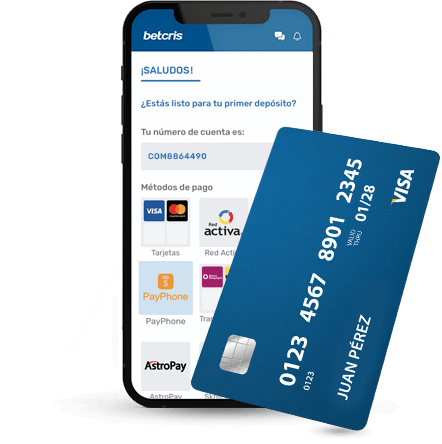
Choose between a local app link and mobile web
Open the exact local account website in your phone browser and look for its mobile app instructions. If it links to a store, verify the destination, publisher and country availability before installing. The same brand may have different arrangements across regional platforms. An old article describing an app is not proof that the same listing is still supported.
Browser access can be the simpler way to inspect the site before committing to an installation. It also avoids assuming that Android and iPhone share the same distribution route. Compare navigation, the readability of terms and access to the Cashier on your own device; a responsive layout does not guarantee that every product or payment option works identically in an app.
Choose your next step with Betcris
Select your goal to find the relevant instructions.
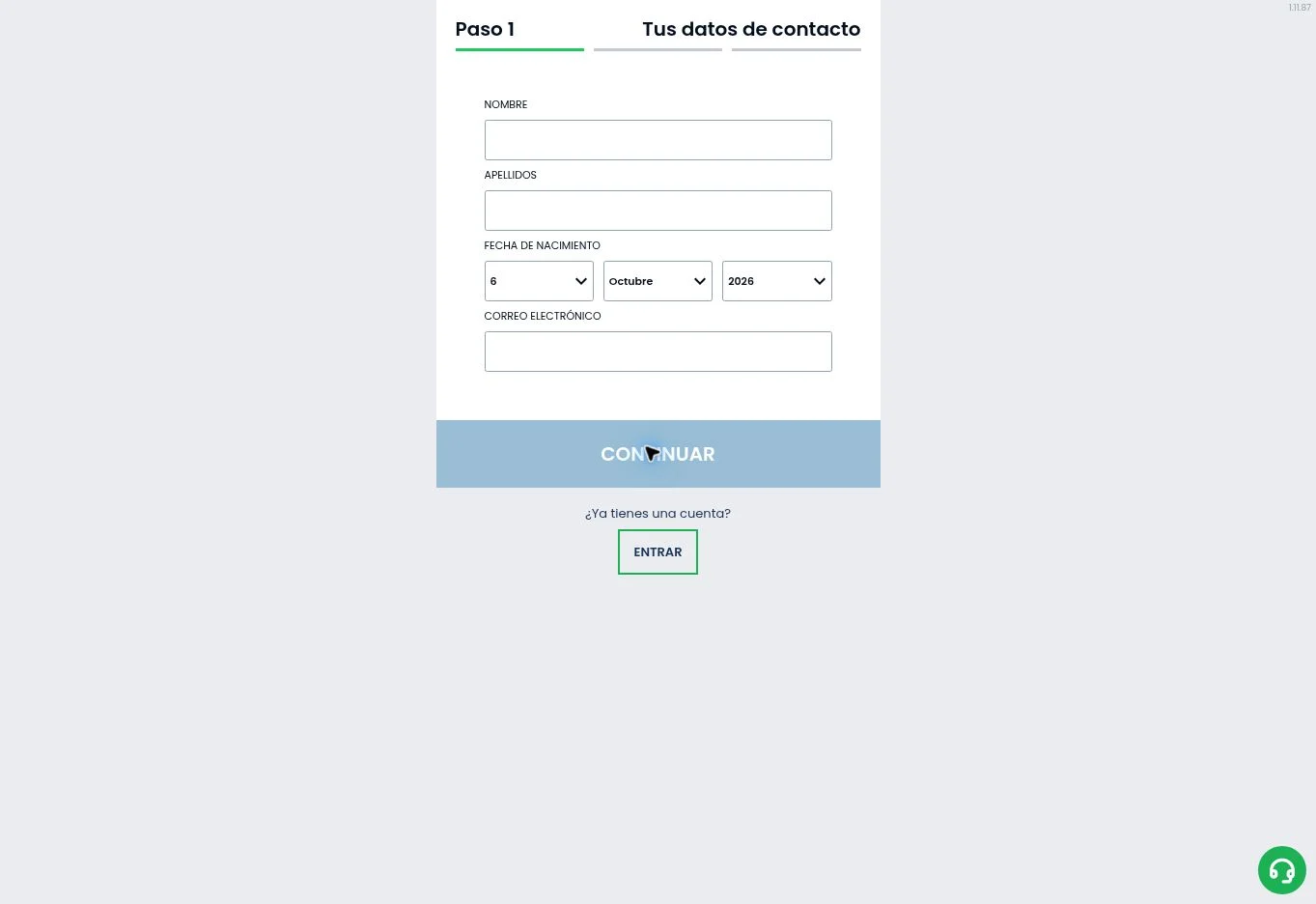
Register with your own details, confirm your contact and prepare identity verification.
See the full steps →Open the Cashier, choose the transaction and check method, amount and account ownership.
See the full steps →Open the lobby, search by name or provider and read the rules before starting.
See the full steps →Open the offer in your account and check its code, deposit, expiry and wagering base.
See the full steps →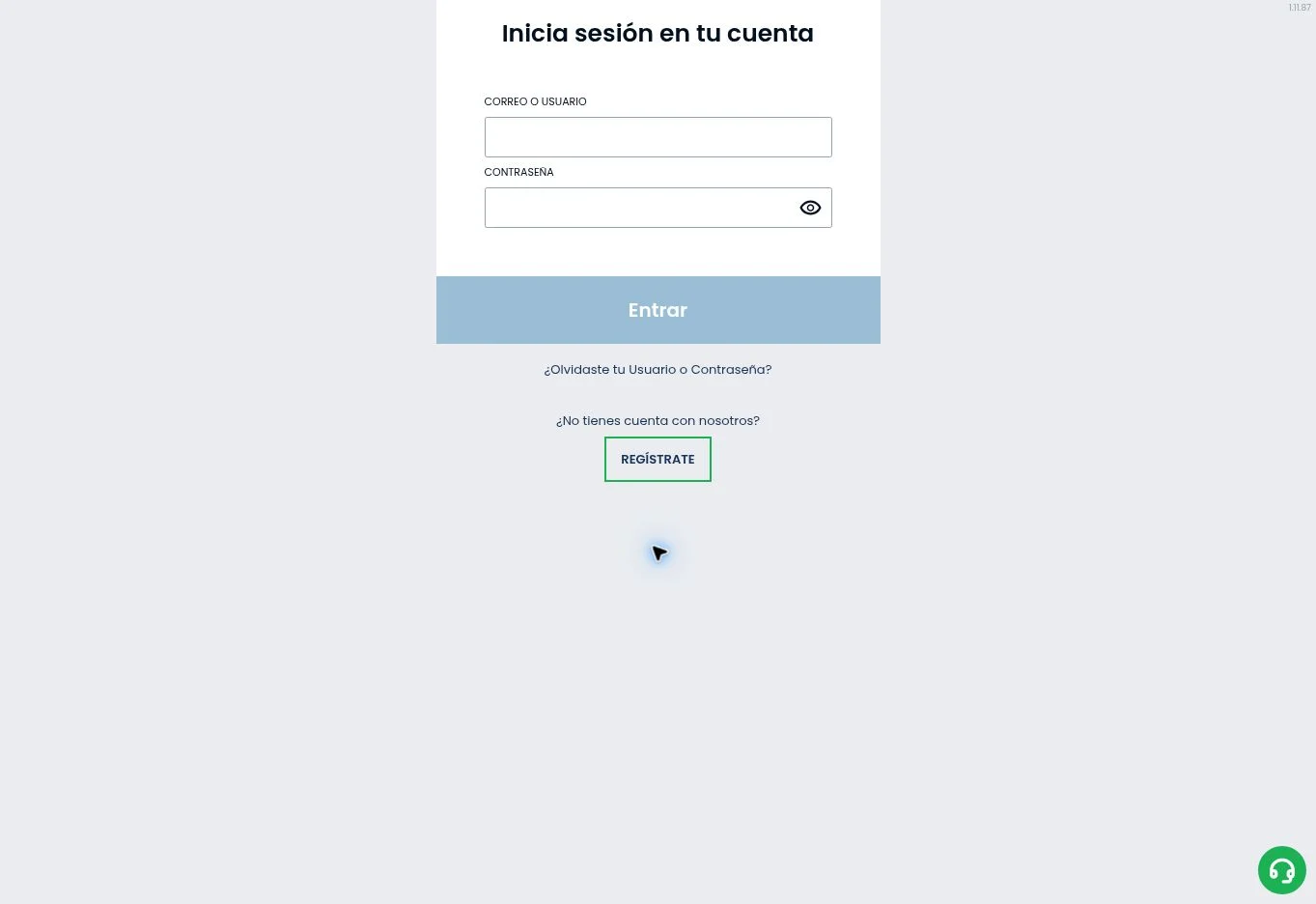
Android: inspect the installation route
If the local site provides an Android download, follow that specific route. Avoid mirrors, messaging attachments and files whose names merely include Betcris. An APK is an installation package, not evidence of authenticity. Do not disable device protections to install a file from an uncertain source. Check the official instructions for the supported version and update process.
Before installing, review the permissions requested and keep your operating system updated. An application that asks for unrelated sensitive access warrants additional verification. If the supported installation route is unavailable in your country, contact the local platform rather than borrowing a package intended for another market.
- Begin on the account platform confirmed for your country.
- Follow its app link and verify the publisher or download source.
- Read compatibility and installation instructions.
- Keep device protections enabled and updates current.
- Use browser access when the local platform supports it and app availability is unclear.
iPhone and iPad: confirm the regional instructions
For iOS, use the link or instructions published by the applicable platform. Store availability can vary by country and device. We do not publish an invented universal App Store link or claim that a missing listing can be solved by changing your country. If the platform instead recommends browser access, follow that guidance.
A home-screen shortcut opens a website; it should not be described as a native application. The distinction matters for updates, permissions and notification behaviour. Check whether your shortcut returns to the correct domain and whether the login page remains readable in the chosen browser.
Keep your mobile account secure
Use the same legitimate account details associated with that local platform. Mexico, Panama and the Dominican Republic have local websites, so a failed login can reflect a platform mismatch rather than a broken password. Do not open a second account as a workaround. Recover access through the platform’s own process and retain control of your registered email.
Set a device passcode, avoid shared phones and do not save account credentials on borrowed equipment. If you receive an unsolicited login or verification link, navigate to the known site manually. Use any additional security options offered by your account, but do not assume a particular authentication feature exists everywhere.
Practical mobile checks before a session
On a small screen, inspect the bet slip and stake selector before confirming. Scrolling past a market can make similar selections look alike, particularly during live sports. For casino games, open the rules and confirm the account currency. For streamed tables, check the timer and connection stability before placing a wager.
Payment flows may temporarily redirect you to a bank or payment application. Keep the reference and check the Cashier transaction history when returning. A closed browser tab does not establish that a payment failed. Repeating a transaction immediately can create duplicate requests. Read the payment guide for the checks that matter.
Fix mobile loading and access issues methodically
Update the browser or supported app, verify your connection and note any error message. Avoid clearing all stored account information before confirming that you can recover your credentials. If a game alone fails, record its title and time; if the entire platform fails, check the local support channel for an interruption notice.
The official help pages contains an old maintenance notice, which does not describe a current outage. We do not turn historical messages into present availability claims. Use the login guide for password recovery and your country guide for eligibility. Brazil and Poland remain restricted on the international platform, and an app does not change that status.
Frequently asked questions
How can I use Betcris on my phone?
Open Betcris in your mobile browser or use the download link provided by the official platform serving your account. Follow its Android installation instructions or open the official App Store listing on iPhone.
How do I recover access to Betcris?
Open Login on the platform where you registered and select password recovery. Follow the message sent to your registered contact; for further help, contact support for that same operation.
How do I open a Betcris account?
Select Register, choose your actual country of residence and enter your personal and contact details. Create your own password, confirm the requested contact information and complete verification in your account.
Which documents should I prepare for verification?
Prepare a valid identity document and, when requested, proof of address or payment ownership. Upload clear images through your account’s secure channel, using details that match your registration.